> ## Documentation Index
> Fetch the complete documentation index at: https://codemail.mintlify.site/llms.txt
> Use this file to discover all available pages before exploring further.
# Introduction
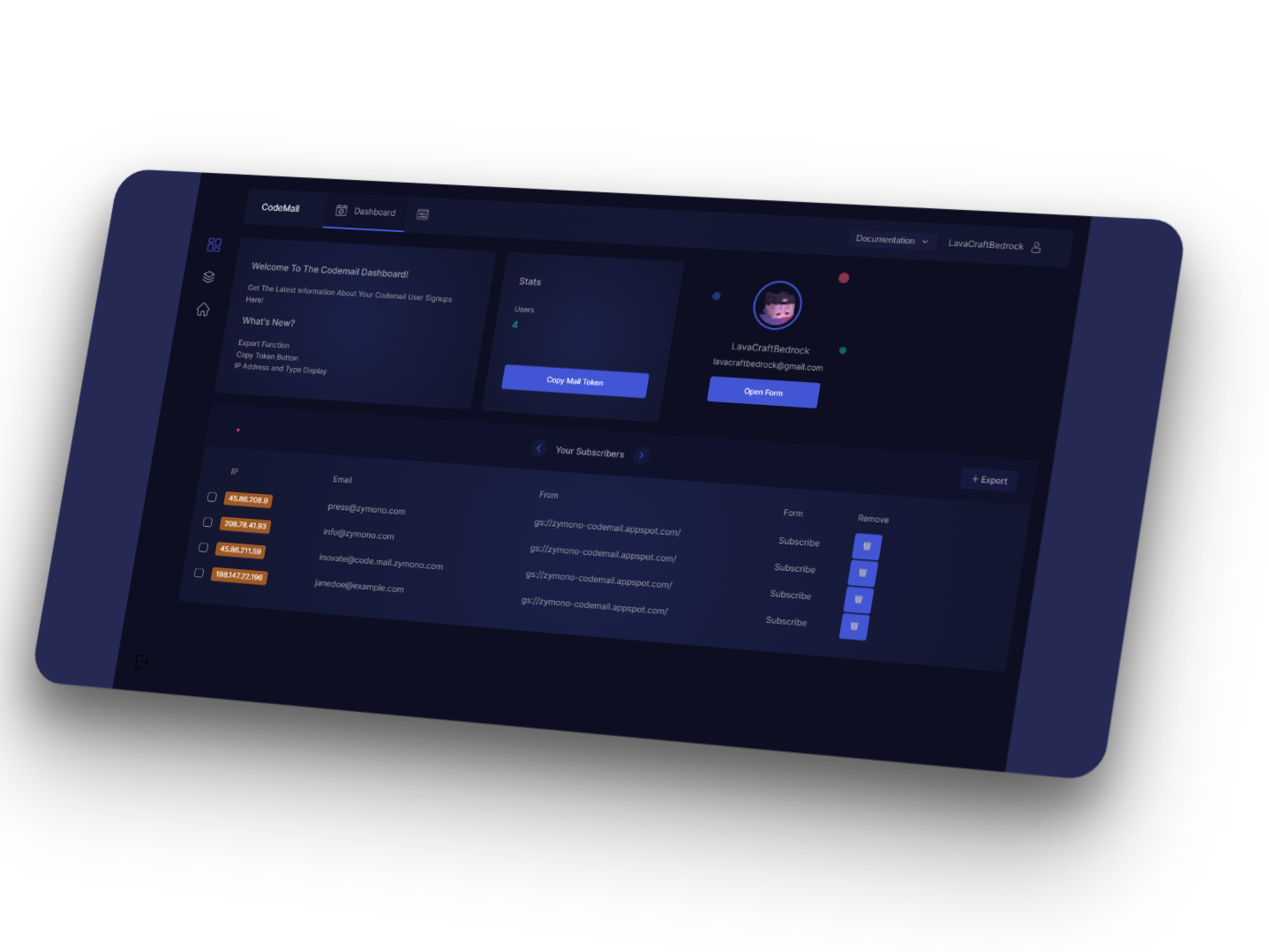
> Welcome to your new Mintlify documentation. Get started making it yours.
 ## Setting up
The first step to a world-class mailing list is setting up your editing environnments.
Get your code set up locally for easy development.
Preview your changes before you push to make sure they're perfect.
## Make it yours
Update your mailing list to your brand and add valuable content for the best user conversion.
Customize your form to your company's colors and brands.
Automatically generate analytics from a Google Analytics measurement id.
Build interactive features and designs to guide your users.
Check out our showcase of our favorite mailing lists.
## Setting up
The first step to a world-class mailing list is setting up your editing environnments.
Get your code set up locally for easy development.
Preview your changes before you push to make sure they're perfect.
## Make it yours
Update your mailing list to your brand and add valuable content for the best user conversion.
Customize your form to your company's colors and brands.
Automatically generate analytics from a Google Analytics measurement id.
Build interactive features and designs to guide your users.
Check out our showcase of our favorite mailing lists.